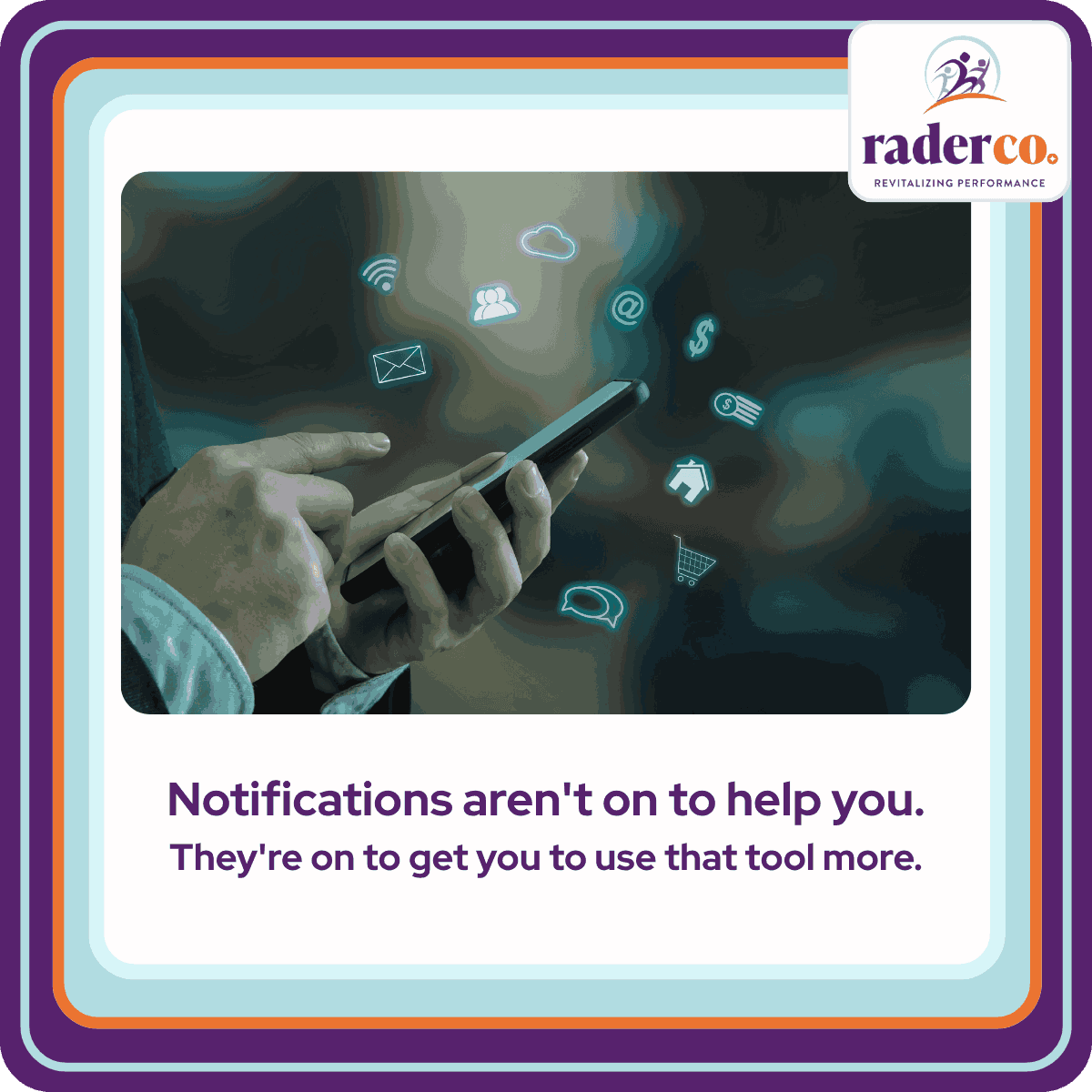
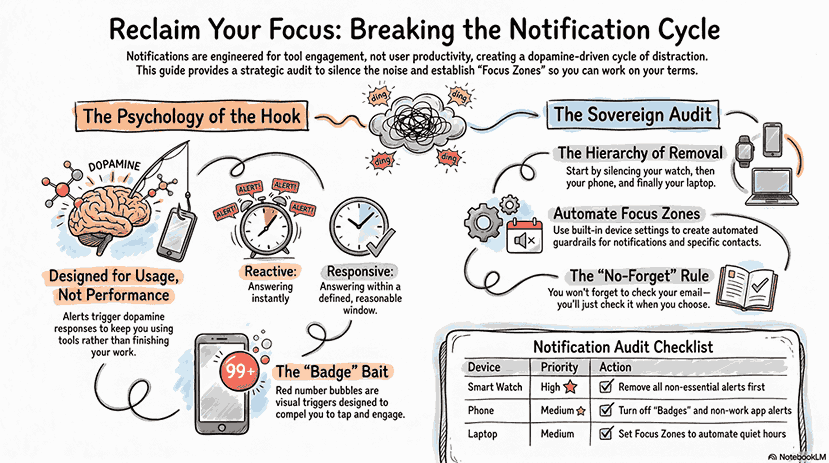
Notifications aren't on to help you be more productive. They're on to get you to use that tool more. Every alert triggers a dopamine response; your brain starts to like it, and the cycle continues. The default settings on your phone, watch, and laptop were not designed with your performance in mind. They were designed to keep you coming back.
Why It Matters
Most people keep notifications on because they've always been on. That is not a strategy; it's a default. And yes, turning them off is one of the practical steps I recommend (optimization), alongside batching email and creating focus zones. But none of those tactics stick until you understand what the notifications are actually doing to your brain. Reactivity feels like responsiveness. It's not. There's a measurable difference between the two, and your clients, your team, and your own performance feel it.
What You'll Learn
- Why notifications exist to increase your usage of a tool, not your productivity, and what that means for every default setting on your devices
- The difference between being reactive and being responsive, and why immediately replying to every message can actually signal to clients that you're not focused
- How badges, those red number bubbles on your apps, are designed to compel you to tap them, and how to decide which ones you actually need
- How to audit notifications across every device, phone, watch, laptop, and tablet, and where to start if turning them all off feels overwhelming
- How to set up focus zones on both iPhone and Android so distraction guardrails run automatically without requiring willpower
FAQ
Won't I miss something important if I turn off my email notifications? In 16 years of teaching this, not one person has ever turned off their email notifications and forgotten to check their email. Nobody forgets. You will check it. You'll just check it on your terms, not the tool's.
What's the difference between being reactive and being responsive? Reactive means you answer the moment something arrives. Responsive means you answer within a reasonable window you define. Clients and colleagues adapt to responsiveness. What they actually lose trust in is someone who replies instantly to everything except what matters most.
Where should I start if turning off all notifications feels like too much? Start with your watch. Then your phone. Then your laptop. Or start with the obvious ones: Target sales, weather alerts, sports scores. There are notifications on your phone right now that have nothing to do with your work. Remove those first and build from there.
What are badges and why do they matter? Badges are the red number bubbles on your app icons. They're on by default because the companies that make these tools know most people can't resist tapping them. You don't need badges on every app. Decide which ones genuinely require your attention and turn the rest off. You're not going to forget to check.
What is a focus zone and how does it work? Focus zones are built into both iPhone and Android. They let you define which notifications and contacts get through during specific hours, and you can automate them so they turn on and off without you having to think about it. The goal is to make distraction guardrails the default, not something you have to remember to activate.
How many devices are too many for email? If your email is coming in on more than three devices, that's worth auditing. Every device is another surface that can pull you out of focused work.
Resources
- Watch the full clip: Turn Off Notifications to Take Back Your Focus
- Book: Reclaim Your Workday
- Health-Powered Productivity Podcast: available wherever you listen to podcasts
- Weekly tips: Weekender Snapshot