Trusting remote workers starts with what you measure. If you measure hours logged in, you'll never feel sure about anyone, and the people working the hardest will feel watched the most.
I've worked remotely since 2002, including six years with a manager I didn't meet in person until year five. When companies sent everyone home in 2020, I got a flood of requests to train teams to work well remotely. What I heard from leaders shocked me. They were afraid their people weren't actually working.
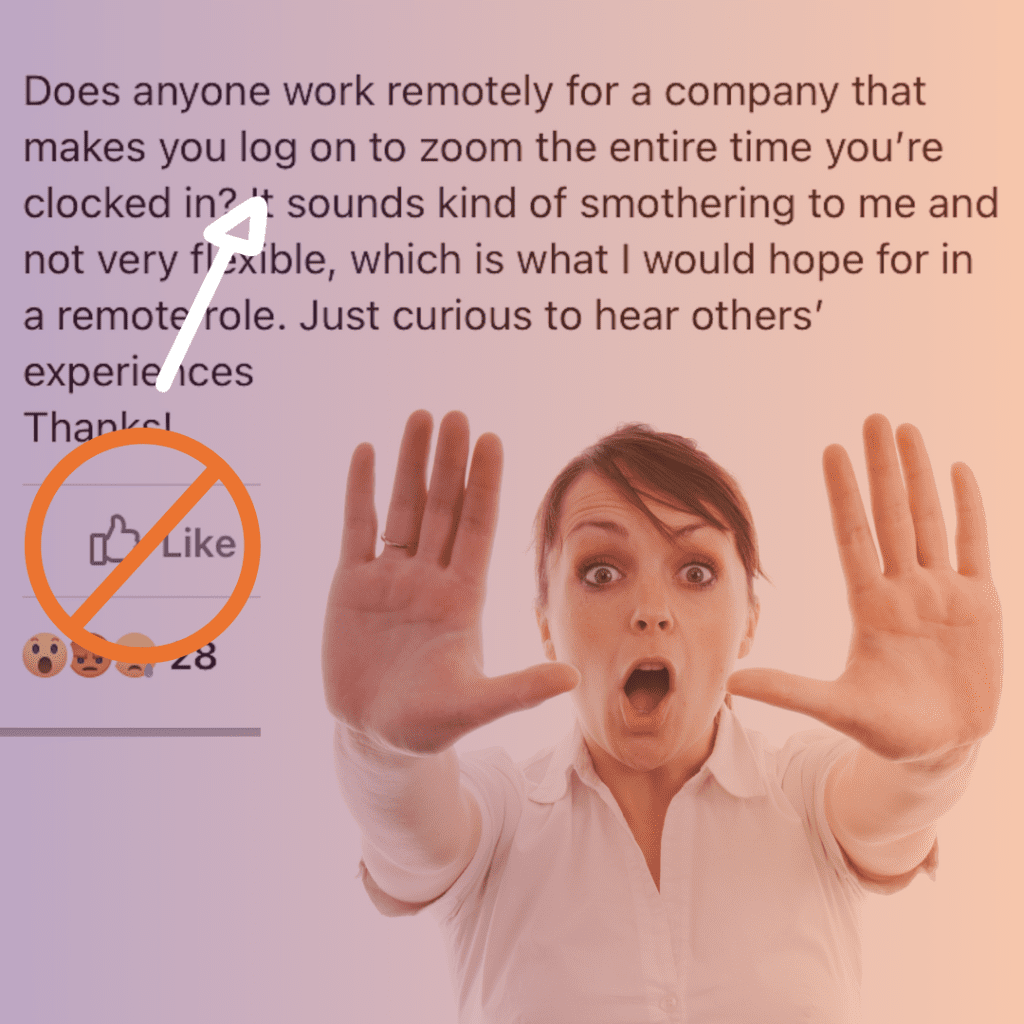
One person told me she had to stay logged in to Zoom for every minute she was on the clock. She felt smothered. I felt enraged.
If you can't trust your employees to work from home, they shouldn't work for you in the office. Do you sit behind your staff in the office and watch their tabs? I guarantee there's some Amazon ordering going on, at home or at the office.
Would you rather listen instead? Click here for a the 9-minute audio recording
Productivity paranoia
Microsoft gave this a name in 2022: productivity paranoia. In its survey, 87% of employees said they were productive at work, and only 12% of leaders had full confidence that their teams were (Microsoft Work Trend Index, 2022). Same people, same work, two completely different stories.
Remote workers tend to work longer
In my experience, people working from home put in more hours, and here's why:
- Fewer pop-in conversations and hallway breaks.
- The bathroom and the water are a few steps away, so there's no walk across the building.
- Lunch happens at the screen, if it happens at all.
- They're nervous to step away, in case a message comes in and they "get caught."
- The office is right there, so they check chat after dinner and email before bed.
A culture of watching people breeds secrecy and resentment. It also pushes your hardest workers to work longer hours to prove themselves.
What to watch instead
Outcomes. Agree on what done looks like and when it's due. Check those in your one-to-ones. The green dot next to someone's name tells you very little.
Shared visibility. Put the work in a project management system everyone is trained on, and you stop needing status updates.
Core hours. If the time of day doesn't matter, don't make a night owl start at 8 a.m. If you can't offer full flexibility, ask for a block like 10 a.m. to 3 p.m. and let people do the rest when they're at their best. More on that in Peak Productive Time: Your Most Productive Hours.
Visibility for them, too. A comfortable meeting cadence can turn into "I never see them." How Often Should You Have One-to-Ones? covers how to avoid that.
One Thing You Can Do Now
Before your next one-to-one with someone remote, write down the two outcomes you expect from them this month. Ask them to write down theirs, and compare the lists.
Frequently Asked Questions
How do you build trust with remote employees? Agree on outcomes and deadlines, check those in your one-to-ones, and stop measuring time logged in. Put the work where everyone can see it, so you can stop asking for status updates.
Do remote workers work more hours? In my experience, yes. With no hallway breaks and the office a few steps away, many remote workers eat at their desks and check chat after dinner.
What is productivity paranoia? It's Microsoft's name for leaders' fear that people aren't working when they can't see them. In its 2022 survey, 87% of employees said they were productive, and only 12% of leaders were fully confident their teams were.
How do you know if remote employees are working? Look at outcomes. Agree on what done looks like and when it's due, then review progress in your one-to-ones.